Back to home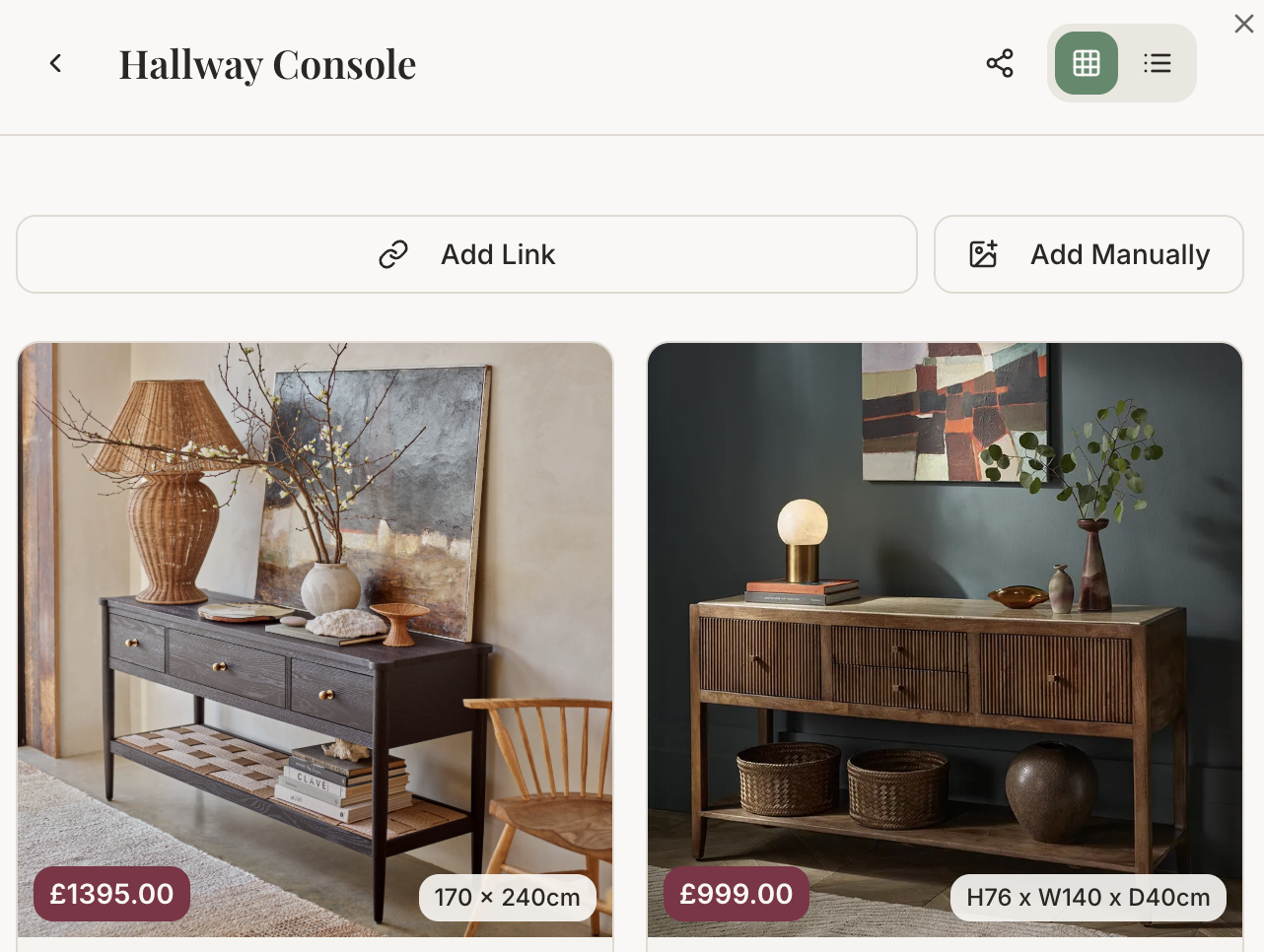
How It Works
Three simple steps
01
Save from anywhere
Paste any product link and we'll automatically pull in the image, price, and details. No more screenshots or scattered bookmarks.
02
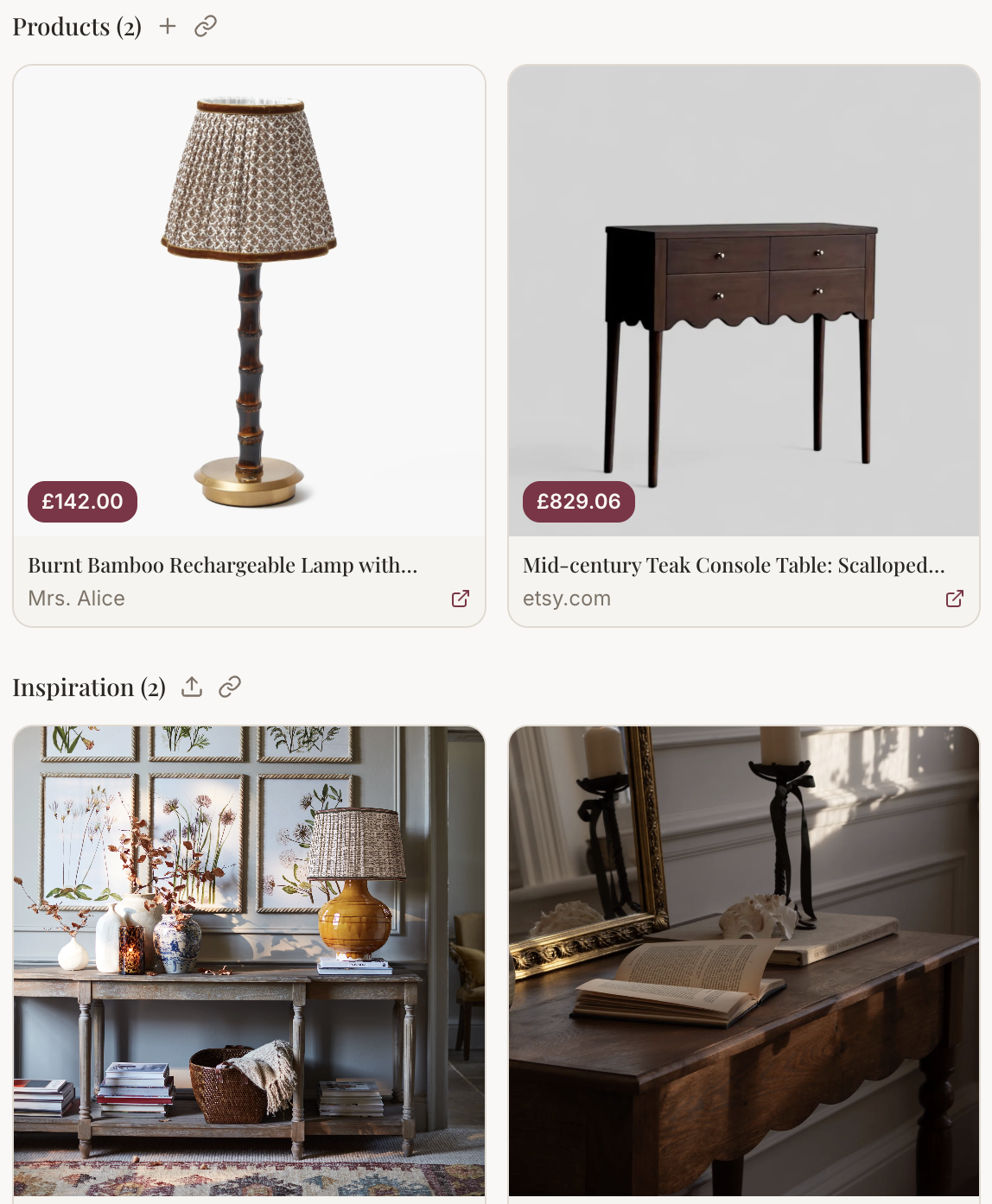
Compare & curate
See all your saved items side by side. Compare prices, sizes, and retailers — then add your favourites to mood boards.
03
See the full picture
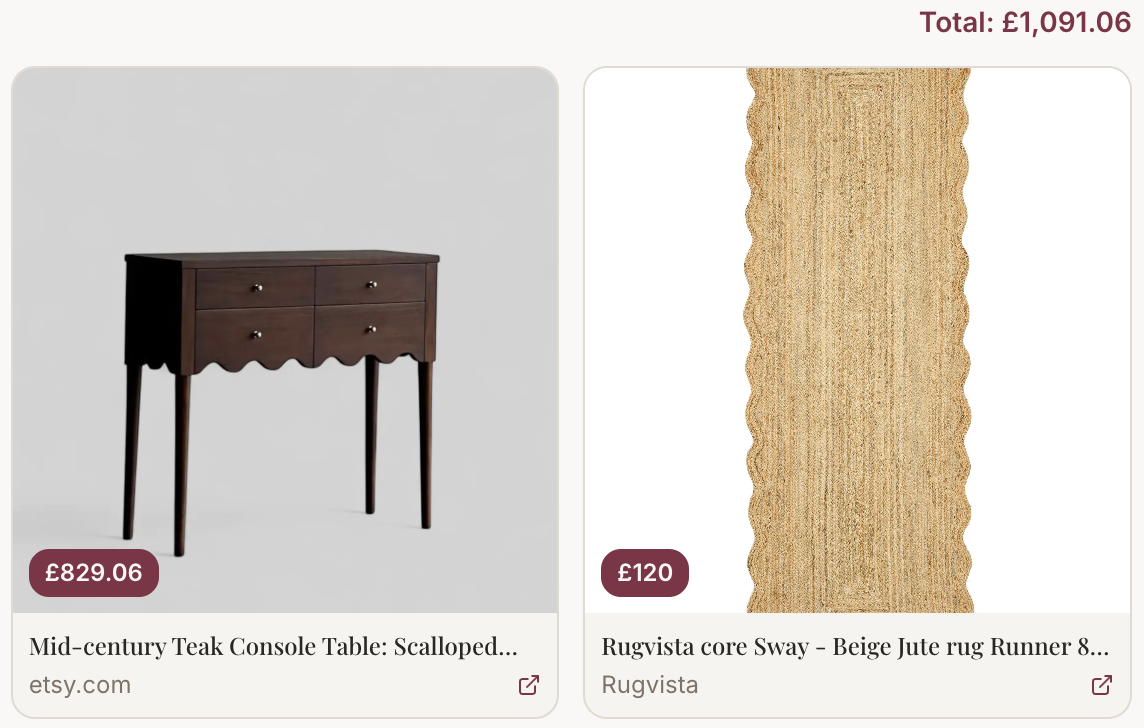
As you add products, we keep a running total for each room scheme — so you always know exactly what your selections will cost.
Everything at your fingertips
Your products, your way
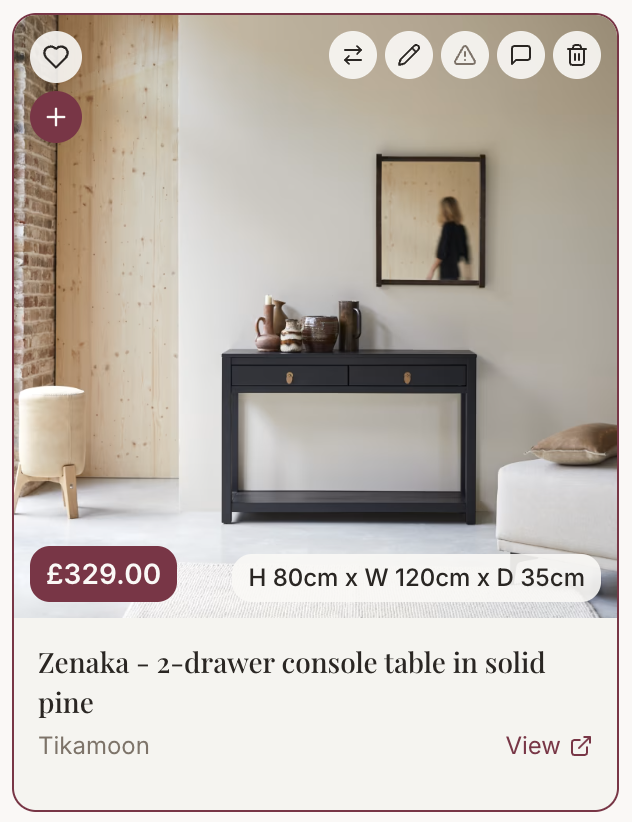
Favourite
Mark items you love to find them quickly
Add to mood board
Drop products straight into your room schemes
Move
Reorganise items between boards in a tap
Edit
Update prices, sizes, or notes any time
Notes
Add reminders or colour references
Remove
Tidy up items you no longer need